
AI Gateway Setup with Laravel: OpenAI + Ollama (Local AI) Single-Stop Management
Artificial intelligence integrations have now become an indispensable part of modern web applications. However, the following problem arises in most projects:
"Which AI provider should I use? OpenAI or a local (Ollama) one?"
In this article, we describe an architecture that fundamentally solves this problem:
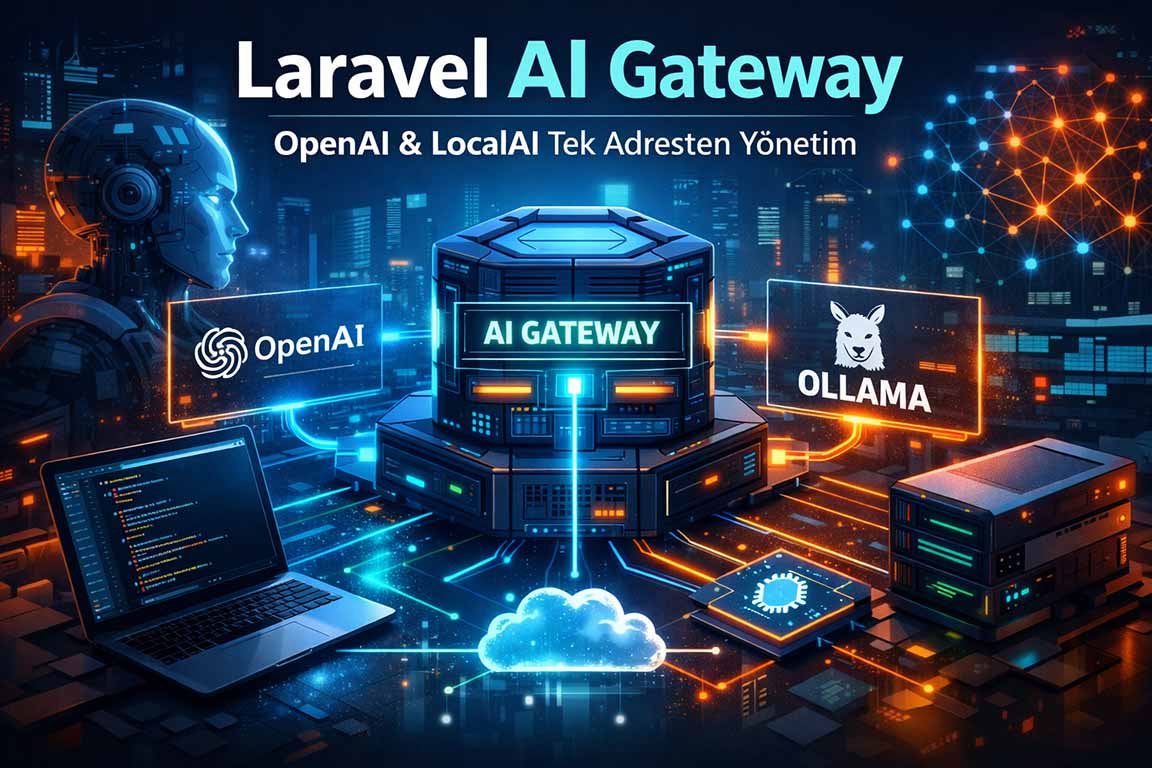
👉 A system that can use both OpenAI and local AI (Ollama) through a single API (ai.kitmote.com).
Thanks to this structure:
- All AI operations are managed through a single endpoint.
- Changing the provider is simply a settings change.
- Switching to local AI becomes easier when traffic increases.
- Multi-tenant AI infrastructure is created for SaaS systems.
🧠 Why AI Gateway?
The classic approach:
This approach:
- API key creates security problems.
- The provider creates a dependency.
- It is not flexible.
Our approach:
Well:
- All AI requests pass through a single central point.
- Provider selection is done by the backend.
- Security and logging are brought under control.
🏗️ System Architecture
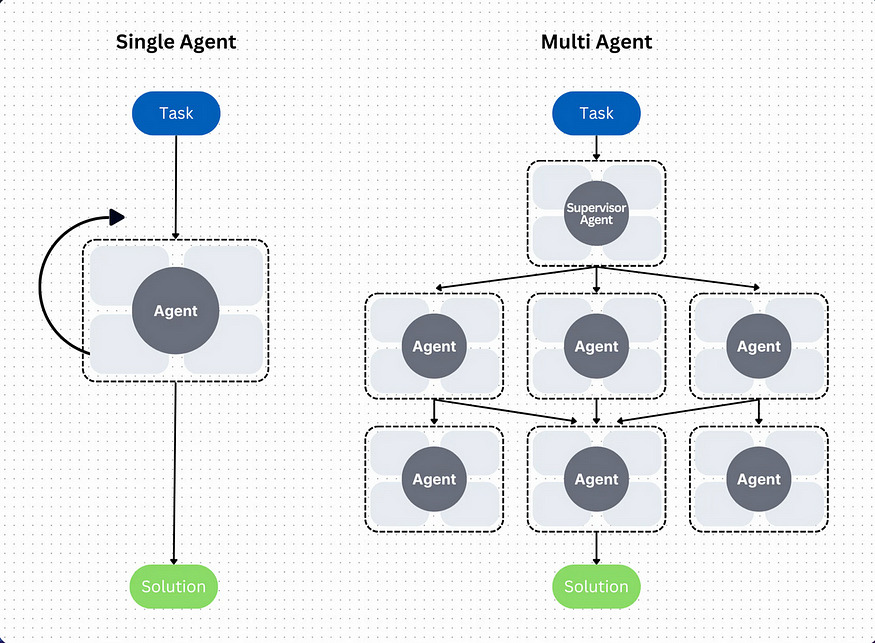
The general flow is as follows:
↓
ai.kitmote.com (Laravel API)
↓
Middleware (Security Layer)
↓
AI Manager
↓
Provider Resolver
↓
[OpenAI | Ollama | Fallback ]
↓
Response + Logging
⚙️ Technologies Used
- Laravel 13 → API & orchestration
- OpenAI API → cloud AI
- Ollama → local AI (can run without GPU)
- MySQL → settings + log
- PEST → testing infrastructure
🔌 Provider Logic (Core Idea)
The heart of the system is this principle:
It doesn't know the controller provider; it simply calls the AI Manager.
Interface
interface AiProviderInterface{public function generate(AiRequestData $request): AiResponseData;}Provider examples
- OpenAiProvider
- LocalAiProvider (Ollama)
- NullProvider (fallback)
🔄 Provider Switching Algorithm
The most critical part of the system:
2. Check if the provider is available.
3. If that's not the case, switch to the fallback provider.
4. If none of these are found, a controlled error is returned.
Pseudo code
if (provider == local) {if (local_available) {return local;}if (fallback == openai) {return openai;}return nullProvider;}if (provider == openai) {return openai;}⚡ OpenAI Integration (Cloud AI)
$response = Http::withToken($apiKey)->post('https://api.openai.com/v1/responses', ['model' => 'gpt-4.1-mini','input' => $prompt,]);Advantages:
- high accuracy
- stable performance
- zero infrastructure cost (initially)
🖥️ Local AI with Ollama
Thanks to Ollama:
- You can run the local model even without a GPU.
- Provides access via API endpoint.
On the Laravel side:
Http::post('http://localhost:11434/api/generate', ['model' => 'llama3','prompt' => $prompt,]);Advantages:
- No cost (no API required)
- No data will be leaked.
- It can work offline.
🧩 Settings-Based Management
All system settings are managed through the menu:
ai_provider = openai | localai_fallback_provider = openaiai_local_enabled = true/falseai_openai_api_key = xxxIn this way:
👉 You can change the provider without changing the code.
🔐 Security Layer
The critical issue in this system is:
"Not everyone should be able to use the API."
Therefore, the middleware layer:
- API Token verification
- Domain whitelist
- IP whitelist
- Rate limit
📊 Logging and Cost Tracking
Every AI request is logged:
- provider
- model
- input/output token
- response time
- cost
- domain
In this way:
👉 You'll get a clear answer to the question, "How much did I spend?"
🚀 Real-World Use Case Study
This structure is particularly strong in the following systems:
- Creating a CV (KitResume style)
- Blog content creation
- SEO description generation
- Chat systems
- SaaS AI services
🔁 Hybrid AI Strategy (The most critical part)
The most accurate approach:
| Stage | Use |
|---|---|
| Beginning | OpenAI |
| When traffic increases | Hybrid |
| Large scale | Local AI |
Well:
Tomorrow → OpenAI + Local
Then → Locally focused
🎯 Result
In this article, we learned the following:
- Single endpoint management with AI Gateway
- Provider abstraction with Laravel
- OpenAI + Ollama used together
- fallback and provider switching logic
- Scalable AI architecture for SaaS
👉 The most important takeaway:
AI integration isn't just about "calling APIs," it's about building the right architecture.
Keywords: Ferhat Gölge, homepage, portfolio, blog, Laravel, software developer
Frequently Asked Questions
What is AI Gateway?
AI Gateway is a central API layer that manages requests to different AI providers, such as OpenAI or native models (like Ollama).
Will Ollama work without a GPU?
Yes, Ollama can run on a CPU. However, performance increases significantly when using a GPU.
Why shouldn't I call the OpenAI API directly from the frontend?
Because API keys must be kept confidential. Using them via the backend is a more appropriate approach in terms of security, logging, rate limiting, and provider management.
Can Laravel manage multiple AI providers?
Yes. Dynamic switching between different AI providers is possible within Laravel using the provider pattern and service layer.